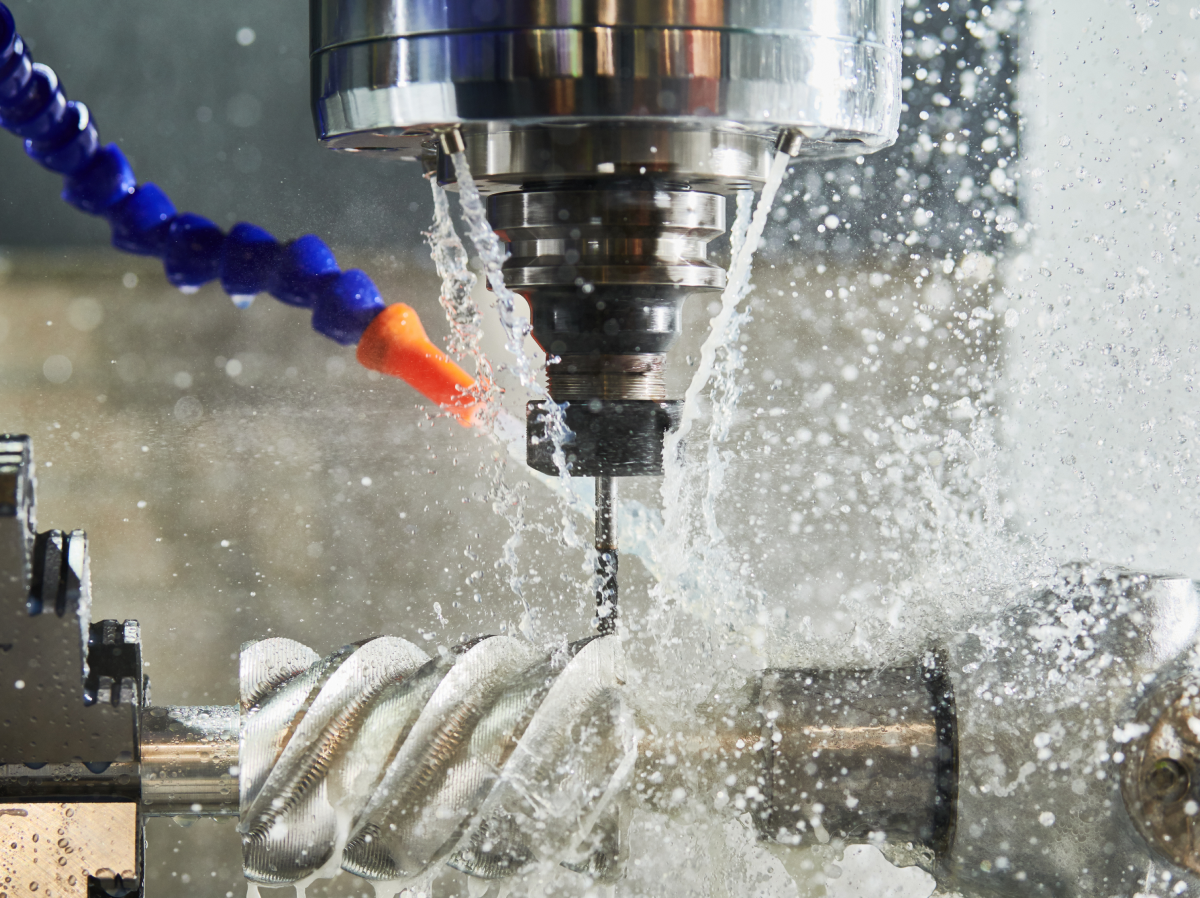



Long and stringy chips slow down your operations. They wrap around tools, clutter the workspace, and force operators to stop the machine for chip management. FANUC Servo Oscillation, more formally known as Servo Learning Oscillation (SLO), is a specialized CNC function designed to solve this problem by intentionally oscillating the feed axis to break chips into smaller, manageable pieces.
What is FANUC Servo Learning Oscillation?
Servo Learning Oscillation is a function that makes a feed axis “wobble” or oscillate in a controlled pattern while cutting. This movement is synchronized with the spindle rotation and the feed rate. By doing this, the cut is periodically interrupted. These tiny interruptions cause the chip to fracture instead of forming a long, continuous ribbon.
Why Machine Shops Use It
Shops implement this feature to improve “chip evacuation” (the process of getting chips away from the cutting area).
Some of the Benefits Include:
- Reduced “Bird-Nesting”: Prevents long chips from jamming tools or wrapping around parts.
- Less Hardware Needed: Can reduce the need for specialized chip breakers or extra chip-control tools.
- Increased Productivity: Machines can run longer without an operator needing to stop the cycle to clear out chips.
- Better Tool Life: Managing chips effectively helps control heat and keeps the cutting area clean.
How it Works at the Cut
When the tool oscillates along the cutting direction, the thickness of the chip changes cyclically. Rather than staying constant, the cutting engagement varies, creating weak points in the material. These weak points are where the chip naturally break.
FANUC describes this as “automatically shredding chips.” It is particularly effective for “gummy” materials like, plastics, stainless steel, titanium, and certain aluminums that are notorious for creating long, stringy waste.
Programming Servo Learning Oscillation
To use this feature, you typically interact with a specific SLO screen on the FANUC control. Here, you set conditions like the maximum chip length and the desired surface roughness. The control then calculates the best oscillation settings for you.
Common G-Codes
While codes can vary based on the machine builder and the CNC series, the standard commands are:
- G8.5 P2: Turns Servo Learning Oscillation ON.
- G8.5 P0: Turns Servo Learning Oscillation OFF.
Note: Some machines may use different codes, such as G81.1, or custom screens. Always check your specific machine manual to confirm the correct syntax.
Sample Program Structure
- Set the SLO conditions on the control screen.
- Insert G8.5 P2 before the cutting move starts.
- Run the machining pass.
- Insert G8.5 P0 once the cut is finished.
Traditional Chip Breaking vs. Servo Oscillation
It is important to note that Servo Learning Oscillation is an active software solution, whereas traditional chip breaking methods are passive.
| Aspect | Traditional Chip Breaking | Servo Learning Oscillation |
| How it works | Tool geometry and feed rates force the chip to curl and break. | CNC software vibrates the axis to interrupt the cut. |
| Control | Depends on insert choice and physical settings. | Managed through G-code and CNC parameters. |
| Hardware | Requires specific chip-breaker inserts. | Can reduce the need for special hardware. |
| Best Use | Standard jobs with manageable chips. | Hard-to-break, long, or stringy materials. |
Best Practices and Tuning
Servo Learning Oscillation is most effective when incorporated into an already stable process; it is not a universal fix for every setup.
Conditions for Success
- Material Choice: Use it on materials that naturally produce continuous chips (stainless, titanium).
- Stable Cutting Range: If your feed rate is too low, the chips might not break even with oscillation.
- Tool Geometry: Use an insert that already curls the chip well. Oscillation should finish the job that the tool started.
What to Adjust
If the chips aren’t breaking, you may need to tune the feed rate or the depth of cut (DOC). A very shallow cut makes it harder for the oscillation to snap the material. If the machine sounds unstable or the surface finish looks poor, the oscillation might be too aggressive and should be turned down.
Frequently Asked Questions
Can this be used for milling and drilling?
Yes. While common in turning (lathe work), FANUC states that Servo Learning Oscillation is also applicable to milling and drilling. It is very helpful for breaking chips in deep holes or when slotting gummy materials.
Is it available on every machine?
No. This is an option on a specific CNC series. Even if the control supports it, the machine builder must have enabled the feature.
Why aren’t my chips breaking?
The most common reasons are:
- The cut is too light (shallow depth of cut).
- The oscillation settings are too weak for the material.
- The function isn’t turned on in the program or the control parameters.
Practical Takeaway: If you are dialing in a new part, start with a stable cut and a standard chip breaker insert. Once the process is running, use Servo Learning Oscillation to ensure those chips stay short and consistent. Always consult your machine manual for the final word on syntax and limits.